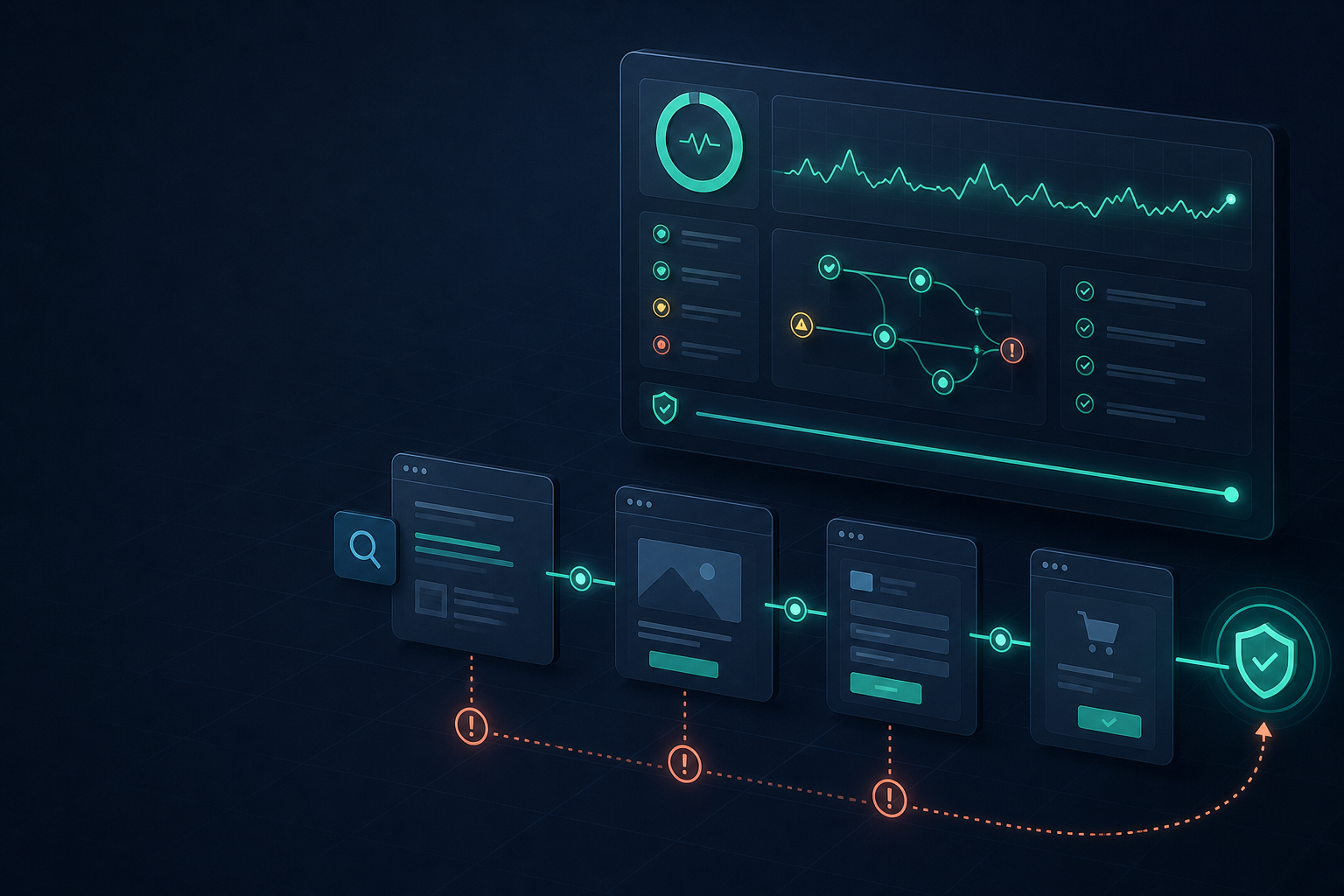
A healthy website is not simply one that loads. It is one that lets customers discover the right page, understand the offer, complete the next step, and report friction when something goes wrong. When those journeys are not monitored, businesses can lose leads and sales quietly while traffic reports still look normal.
This guide explains how to build a revenue-safe monitoring program using website monitoring tools, technical checks, and customer feedback. The goal is to find problems early, prioritize them by business impact, and prevent small failures from becoming invisible revenue leaks.
Why website health monitoring is a business function
Marketing, sales, support, and engineering all depend on the website. Search campaigns send visitors to landing pages, content builds trust, forms capture demand, and checkout or booking flows create revenue. A defect in any one of those steps can interrupt the entire chain.
Traditional analytics shows what visitors did. It may tell you that form completions fell, a page lost engagement, or a campaign produced fewer leads. It does not always reveal that a button became unclickable, a link started returning 404, or a redirect sent visitors to the wrong destination.
That is where a website health checker approach adds value. It provides an operating view of availability, errors, links, redirects, metadata, crawlability, security, performance, and important customer paths.
The silent revenue leaks most teams miss
1. A conversion path fails while the homepage remains online
Site-wide uptime can look perfect while a quote form, booking widget, payment step, or confirmation page fails. Customers do not care that the homepage is available if they cannot complete the action they came to perform.
Monitor critical journeys separately from basic availability. Test the page, the call to action, the form submission, and the confirmation state.
2. A link breaks after a content or URL change
Redesigns, migrations, deleted pages, and editorial updates can leave links pointing to unavailable destinations. Visitors often leave rather than report the issue.
Use a broken link checker on high-value pages, then follow how to find broken links on a website to classify the failure and assign an owner.
3. A redirect weakens the original intent
A redirect may technically work while sending visitors to a page that does not answer the original question. Chains and loops add another layer of risk, especially during campaigns and migrations.
Run a redirect checker and make sure each redirect points directly to the most relevant final destination. Use how to fix broken links as a documented response process when URL changes create failures.
4. A page becomes slow at the moment intent is highest
Slow performance creates hesitation. A visitor who waits too long for a pricing page, product detail, form, or checkout step may decide that the business is unreliable.
Use a website performance checker to identify slow templates, oversized assets, and delayed scripts. Combine technical results with conversion and feedback data rather than optimizing an isolated score.
5. Important assets disappear or become insecure
Missing images can remove product proof, shift layouts, and make pages appear unfinished. Mixed content can trigger browser warnings or cause scripts to be blocked.
Use a missing image checker website workflow and a mixed content checker to protect trust on important pages.
Build a monitoring layer for every customer journey
Start by mapping the paths that matter to your business:
- Discovery: Search result, social post, referral, or campaign link.
- Evaluation: Landing page, service page, product page, pricing, or comparison.
- Action: Form, booking, sign-up, checkout, phone call, or account access.
- Confirmation: Thank-you page, email, payment confirmation, or next-step instructions.
- Support: Documentation, contact, returns, billing, or issue-resolution path.
For each path, record the expected result, the most important URL, the owner, the monitoring check, and the business consequence of failure. This turns a technical alert into a useful business signal.
The essential checks in a revenue-safe program
Availability and uptime
Website uptime monitoring provides the foundation. Check the homepage, key landing pages, and critical endpoints, but do not treat a successful server response as proof that every customer action works.
Errors and broken destinations
A website error checker can surface new 4xx, 5xx, timeout, and application failures. Review errors according to the value of the affected page, not only by the number of occurrences.
Internal linking and navigation
A website link checker helps confirm that visitors and crawlers can move through the site. Check navigation, breadcrumbs, related content, footer links, and contextual calls to action.
Crawlability and index access
Use a website crawlability checker after migrations, redesigns, robots.txt edits, sitemap changes, and large content imports. If search engines cannot reach a useful page, the page cannot reliably earn organic visibility.
Metadata and search presentation
A meta tag checker can review title tags, descriptions, canonicals, robots directives, Open Graph data, and social previews. Search traffic is part of the customer journey, so the result should match the page experience.
Why feedback forms complete the monitoring picture
Automated tools tell you that a condition changed. Customers tell you what the condition meant to them. A page may return 200 while the copy is confusing, the pricing is unclear, or the form feels too invasive to complete.
That is why free feedback forms are useful for more than customer support. A short form can capture the page URL, the intended task, the issue category, and the visitor’s description of what they expected.
Keep the form short
- What were you trying to do?
- What went wrong?
- Which page were you on?
- What would have helped?
- Would you like a reply?
Make contact details optional where appropriate. Route responses to an accountable person and close the loop when a critical problem is repaired.
How to prioritize alerts by business impact
A long issue list is not the same as a useful action plan. Use severity levels that reflect the customer and business outcome:
- Critical: Payment, checkout, booking, lead, login, or account access is unavailable.
- High: A high-traffic landing page is broken, slow, insecure, or misdirected.
- Medium: Repeated image, metadata, link, crawlability, or mobile usability issue.
- Low: Low-value archive issue with an obvious alternative path.
Every alert should include the affected URL, evidence, likely customer impact, owner, deadline, and verification step. This makes monitoring actionable instead of noisy.
A technical SEO audit checklist for ongoing monitoring
- Run a technical SEO audit checklist after major releases.
- Use a free website SEO checker for recurring page reviews.
- Use a website SEO audit tool to track issues and ownership.
- Use a find 404 errors on website workflow after URL changes.
- Check redirects, mixed content, metadata, missing images, and page speed.
- Review how to audit a website for SEO across technical and customer-experience layers.
How to measure whether monitoring is working
Measure the operating result, not just the number of alerts. Useful indicators include time to detect, time to repair, repeat failures, affected conversion paths, customer-reported issues, and the percentage of critical journeys verified after each release.
Use a free website analysis tool as a baseline, then compare future checks against the pages and journeys that matter most. A monitoring program is improving when the team finds issues earlier, fixes them faster, and sees fewer repeated customer complaints.
Conclusion
Website health monitoring is important because a business can lose revenue even while the homepage remains online and traffic appears stable. Broken links, redirects, slow pages, missing assets, weak metadata, crawlability issues, and failed forms all create opportunities for customers to leave without explaining why.
Protect the customer journey with automated checks, clear ownership, and feedback forms that capture the human experience. The result is a website that is easier to trust, easier to find, and less likely to lose revenue silently.
Frequently asked questions
What should a website monitor first?
Start with the pages and actions closest to revenue: forms, checkout, bookings, pricing, sign-up, account access, and campaign landing pages.
How are monitoring tools different from analytics?
Analytics describes visitor behavior. Monitoring checks whether the website and its important components are working. They provide stronger evidence when used together.
Why add a feedback form to a technical monitoring program?
Monitoring detects measurable conditions. Feedback explains confusion and friction that may not produce an HTTP or JavaScript error.
Leave a Reply