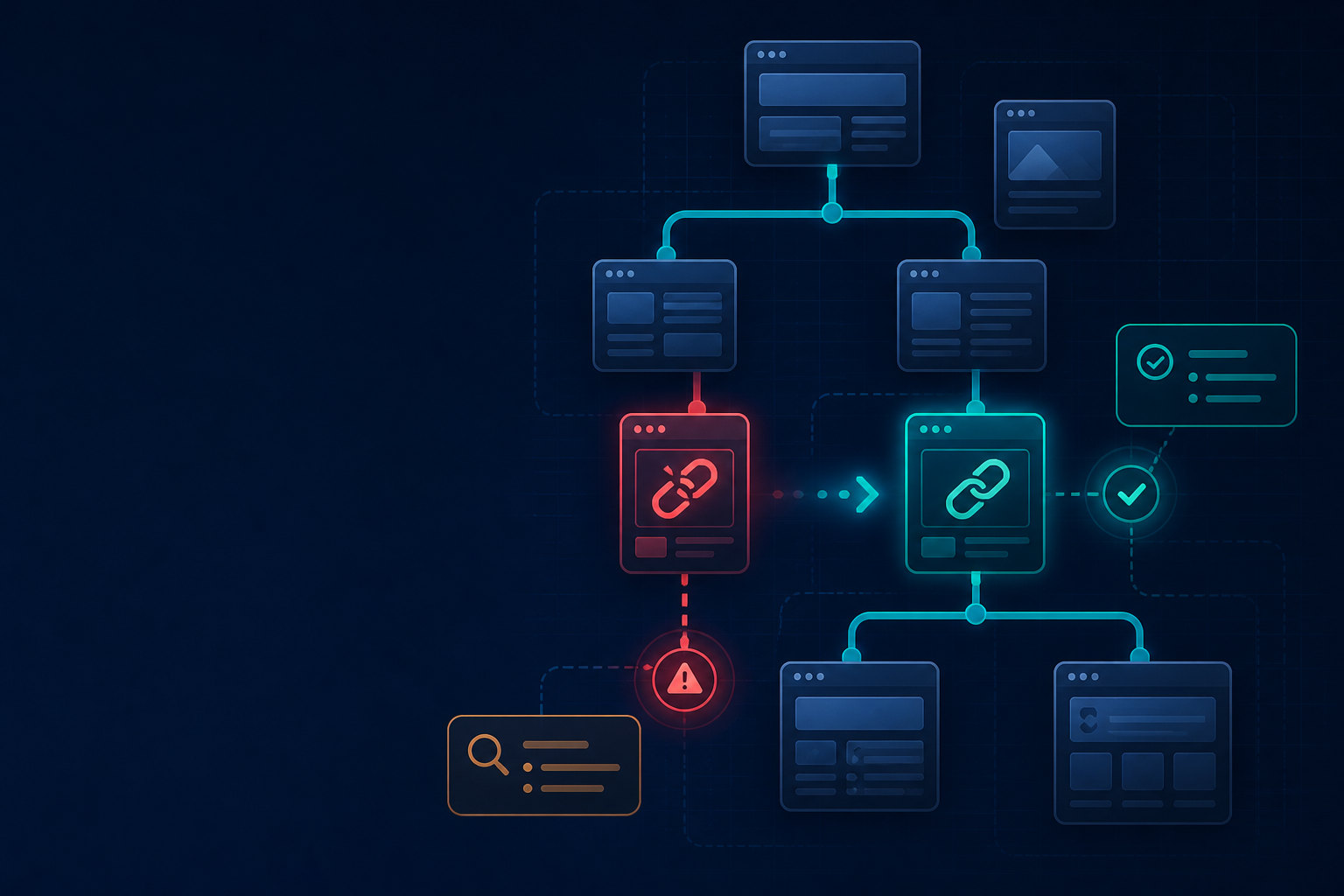
A broken link is rarely just a technical nuisance. It can stop a buyer before checkout, send a lead away from a campaign, interrupt a support journey, and waste the authority built by an important page. The difficult part is that many visitors never report the problem. They simply leave.
This guide explains how to find broken links on a website, how to fix the highest-risk issues first, and how ongoing website health monitoring protects revenue without adding unnecessary work for your team.
Why broken links cost more than a 404 page
Every website has paths that matter more than others. A link to a pricing page, quote form, product comparison, booking page, or checkout step is part of a conversion system. When that path fails, the business may lose the visitor before analytics can explain the reason.
Broken links also create search friction. Crawlers encounter dead ends, internal authority does not flow as expected, and users lose confidence in the quality of the site. One low-value broken link may be harmless; repeated failures on high-intent pages deserve immediate attention.
What counts as a broken link?
A link is broken when its destination cannot deliver the resource the visitor expects. Common signals include:
- 404 Not Found: The target page is missing or the URL is incorrect.
- 410 Gone: The resource has been deliberately removed and has no replacement.
- 500-series errors: The server or application failed to respond properly.
- Timeouts: The destination is too slow or unavailable.
- Redirect loops: The browser keeps moving between URLs and never reaches content.
- Soft failures: A page technically loads but shows the wrong content, an empty template, or a failed form.
A good broken link checker should show the source page, destination URL, response status, anchor text, and whether the link is internal or external.
How to find broken links on a website
1. Start with pages closest to revenue
Do not begin with an arbitrary URL. Create a priority list containing your homepage, top landing pages, product or service pages, pricing, lead forms, checkout, booking, and support flows. A broken link on one of these pages has a clearer commercial impact.
2. Run a page-level scan
Use a link scanner to inspect the links on each priority page. Confirm whether the result is a true failure, a temporary outage, a blocked request, or a destination that has changed.
Uchik’s free broken link checker can scan a page and report failed URLs with status codes and anchor text. Use the output as an actionable list rather than as a score to admire.
3. Review internal links after migrations
URL changes, domain moves, navigation redesigns, and CMS imports are common causes of broken internal links. Compare old paths with current destinations, inspect redirects, and check whether important pages still have direct internal links.
4. Inspect external links separately
External links can disappear when a partner changes its site, a study moves, or a service shuts down. Replace an unavailable source, remove the reference, or link to a current authoritative alternative. Do not allow an external failure to weaken an otherwise useful page.
5. Check forms and interactive paths manually
A crawler can verify that a URL responds, but it may not prove that a form sends, a booking widget opens, or a payment step completes. Include these paths in a human test plan and collect customer reports with a short feedback form.
How to fix broken links without losing SEO value
Finding a broken link is only the diagnosis. The correct fix depends on the reason the destination failed.
Update the link when the correct page still exists
If the URL contains a typo or the page moved to a new address, update the source link to the current canonical destination. This is usually the cleanest solution for internal links.
Use a relevant redirect when the URL changed
When a page has a genuine successor, create a direct redirect to the most relevant replacement. Avoid chains: URL A should normally go directly to the final destination rather than through several intermediate pages.
Use a redirect checker to inspect each hop, identify loops, and confirm that the final page matches the original visitor intent.
Replace or remove outdated external references
If an external destination is permanently gone, replace it with a trustworthy equivalent when one exists. If the reference is no longer needed, remove the link and revise the surrounding copy so the paragraph still makes sense.
Restore important content when removal was accidental
A missing page is not always meant to be gone. If it continues to receive traffic, backlinks, or internal references, restore it or publish a useful replacement before removing its path permanently.
Repair the cause, not just the URL
If links break after every content release, the issue may be a workflow problem. Add link validation to publishing, review redirects during migrations, and give someone ownership of error monitoring.
How silent link failures reduce revenue
Customers often do not complain when a link fails. They may assume the offer is no longer available, decide that the company is unreliable, or choose a competitor with a smoother path.
This creates a gap between what analytics records and what the business needs to know. You may see a decline in completed forms or purchases without a clear reason. A website error checker, conversion tracking, and customer feedback together make the cause easier to identify.
Feedback forms reveal what crawlers miss
Automated checks can report a 404. Customers can explain that the button label was unclear, the page they expected was different, or the form failed after they entered their details. That context helps you rank fixes by customer impact.
Start with a short free feedback forms workflow on high-value pages. Ask what the visitor was trying to do, what went wrong, the page URL, and whether they want a reply. Keep the form optional and easy to complete on mobile.
Use a technical audit to find related issues
Broken links rarely exist in isolation. A URL migration may also create redirect chains, missing metadata, crawlability problems, missing images, and insecure assets. Include the following checks in your technical SEO audit checklist:
- Use a website health checker on critical templates.
- Use a website link checker for internal navigation and content links.
- Run a find 404 errors on website process after a migration.
- Check crawl paths with a website crawlability checker.
- Validate missing images with a missing image checker website workflow.
- Review page titles and canonicals with a meta tag checker.
- Inspect HTTP assets with a mixed content checker.
- Measure slow templates with a website performance checker.
Create a repeatable broken-link monitoring process
- Build the priority URL list: Include revenue, lead, navigation, and support paths.
- Scan on a schedule: Increase frequency for sites that publish or change often.
- Assign severity: A broken checkout link is more urgent than a dead archive reference.
- Assign an owner: Every confirmed issue needs a person responsible for the fix.
- Verify after repair: Recheck the source page, destination, redirect behavior, and user journey.
- Record the cause: Use recurring patterns to improve publishing and development workflows.
Use website monitoring tools to centralize alerts, history, and ownership. The best monitoring system is the one that helps your team resolve issues before customers encounter them.
Broken-link audit checklist
- Scan high-intent landing pages and conversion journeys.
- Check navigation, footer, breadcrumbs, and contextual links.
- Review new 404, 410, 500, and timeout responses.
- Inspect redirects for loops and unnecessary chains.
- Confirm forms and interactive buttons, not just URLs.
- Replace or remove unavailable external references.
- Check images and other assets that support trust.
- Collect customer reports with a feedback form.
- Use a free website SEO checker for recurring reviews.
- Use a website SEO audit tool for structured issue tracking.
Conclusion
Learning how to fix broken links is important, but preventing repeated failures is even more valuable. Treat links as part of the customer journey, not as isolated pieces of page markup.
Find failures on high-value pages, repair them with the right solution, verify the complete journey, and listen to customers who experience friction. That combination protects search visibility, trust, and revenue that might otherwise disappear without an explanation.
Frequently asked questions
How often should I check for broken links?
Use scheduled checks for important sites and run an additional scan after migrations, redesigns, content imports, and major campaigns.
Should every 404 be redirected?
No. Redirect a removed URL when a closely matching replacement exists. If there is no useful successor, a clear 404 or 410 may be more accurate than sending visitors to an unrelated page.
Do broken links always hurt rankings?
The impact depends on the number, location, and type of failures. The clearest risk is poor user experience and lost journeys, especially when important internal paths or conversion links are affected.
Leave a Reply